


img
shape-img
shape-img
shape-img
shape-img
shape-img
shape-img

Unlock Your Child's Potential with
Fun, Interactive Learning

Play Video
    Hey there, Young Superstars! 🌟

    Boost your skill


    Ready to level up your awesome abilities? Let's boost your skills and watch you soar!

    Top Categories

    kidskloud offers a comprehensive online platform that provides a range of educational resources, including interactive lessons, videos, quizzes, and games. Our platform is designed to cater to kids of different ages and learning styles, ensuring that they receive a well-rounded education that prepares them for success. Our resources are carefully curated to ensure that they are fun, engaging, and easy to understand.

    Mathematics
    Science
    Public Speaking
    Language
    Art and Craft
    Story Telling
    Health and care
    Life Skills
    shape-img
    shape-img
    shape-img
    Our Features

    Learning everyday with KidsKloud


    kidsKlouds an online academy that provides high-quality educational resources to kids. Our mission is to make learning fun and accessible for children, empowering them to reach their full potential. We aim to revolutionize the way kids learn by offering a comprehensive online platform that caters to their unique needs and learning styles.

    Analytics Report

    Elevate your expertise with KidsKloud, enhancing your skills to new heights and unlocking doors to limitless possibilities in your professional journey.

    Best Price

    Unlock unbeatable value with KidsKloud's best prices. Invest wisely in your growth, gaining top-notch skills without breaking the bank.

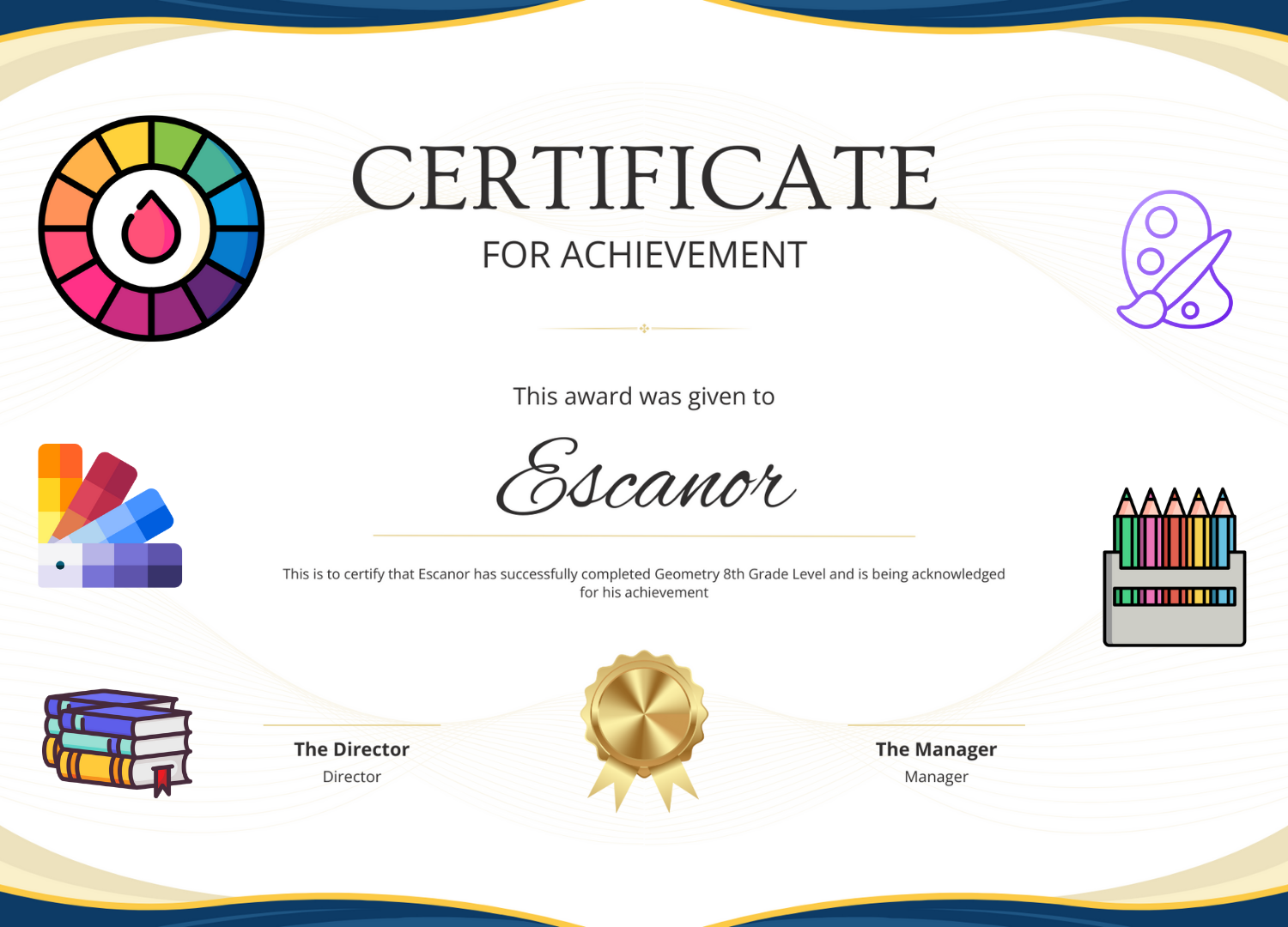
    Get Certificate

    Level up professionally with KidsKloud's certificates—validate your expertise, boost credentials!


    Our categories

    Voices of Joyful Learning!

    quote
    DANIEL JHON - UI/UX DESIGNER
    Great instructor, great course

    Wonderful serenity has taken possession of my entire soul, like these sweet mornings of spring which I enjoy with my whole heart. I am alone, and feel the charm of existence in this spot

    quote
    NORTH - DEVELOPER
    Awesome course & good response

    Noticed by me: when I hear the buzz of the little world among the stalks, and grow familiar with the countless indescribable forms of the insects and flies, then I feel the presence

    quote
    HIBRUPATH - MARKETER
    Fantastic course

    Noticed by me: when I hear the buzz of the little world among the stalks, and grow familiar with the countless indescribable forms of the insects and flies, then I feel the presence

    shape-img
    big-image

    Share and Earn!

    Invite your Friends to join KidsKloud! For every successful referral, you win an Amazon voucher.

    img
    img
    img

    Newsletter

    Unlock your child's potential: Join our newsletter for insights
    on our innovative approach to nurturing young minds in a stimulating environment.
    img
    Talent Contest

    Show Us What You've Got! Your Talent, Your Stage!

    cta-img
    img
    Chat with Us

    Frequently Ask Questions.

    CHOOSE FROM 5,000 ONLINE VIDEO COURSES WITH NEW ADDITIONS

    Ranquil existence, that I neglect my talents. I should be incapable of drawing a single stroke at the present moment; and yet I feel that was a greater artist than now. When, while the lovely valley with vapour around me, and the meridian.

    Ranquil existence, that I neglect my talents. I should be incapable of drawing a single stroke at the present moment; and yet I feel that was a greater artist than now. When, while the lovely valley with vapour around me, and the meridian.

    Ranquil existence, that I neglect my talents. I should be incapable of drawing a single stroke at the present moment; and yet I feel that was a greater artist than now. When, while the lovely valley with vapour around me, and the meridian.

    KidsKloud is an online learning platform for children where students can enroll in video courses, take quizzes and assignments, earn certificates and badges, join talent contests, and book consultations. Parents, instructors and organizations each get their own dedicated dashboard.

    Click "Sign In" in the top menu and choose "Create an Account". You can register as a student or parent, and later apply to become an instructor from your dashboard. You can also sign in quickly using Google or Facebook.

    We support major gateways including Stripe, PayPal, Razorpay, Mollie and BitPay, as well as your in-app Wallet balance. Available options may vary by region and the currency configured for your account.

    Yes. Payments are processed through trusted, PCI-compliant gateways and we never store your full card details. Your account is protected by encrypted passwords, and you can review or sign out active devices from your profile settings.

    KidsKloud supports multiple languages. You can change the display language from the language switcher; the platform will remember your preference for future visits.

    Use the "Contact Us" page or the "Help Support" option in your profile menu to raise a ticket. You can also browse the support FAQ for quick answers to common questions.

    Open any course page and click "Add to Cart" (or buy directly), then complete checkout. Free courses are added instantly. Once enrolled, the course appears under "My Learning" in your dashboard.

    Your progress updates automatically as you complete video lectures and activities. You can see completed and in-progress courses, plus your completion percentage, from the "My Learning" section of your dashboard.

    Certificates are issued when you meet the instructor's eligibility criteria for a course — typically completing 100% of the course and, where required, achieving the minimum quiz score. Once eligible, your certificate is generated automatically and can be downloaded from the course.

    Courses may include assignments and timed exams. Submit assignments from the assignment page and take quizzes directly in the course. Your results, scores and any instructor feedback appear in your dashboard.

    As you complete courses and reach milestones you unlock badges and achievements that show up on your profile. They are a fun way to recognise your learning progress.

    Your Wallet holds your balance for purchases and any earnings or refunds. You can recharge it, view your full transaction history, and (where enabled) request withdrawals from the "My Wallet" page.

    Yes. Many courses offer a "Course Gift" option at checkout, letting you purchase a course and send it to another learner.

    Browse the Talent Contest section, choose an active contest or championship and submit your entry. Winners and rankings are shown within the contest once judging is complete.

    Open an instructor's consultation schedule, pick an available day and time slot, and complete the booking. You can review upcoming sessions under "My Consultation".

    From your parent dashboard go to "Add Child" to create a child account linked to yours. You can manage each child's details and set a passcode for their account.

    When a child requests a course it appears in your dashboard for review. You can approve the purchase to complete enrollment or decline it — nothing is bought without your approval.

    Use the "Child Progress" and "Progress Report" pages to see enrolled courses, completion percentages and activity for each child, so you can keep track of how they are doing.

    The Wisdom Wall lets you showcase your child's creative work. Submit an entry from the "Share Your Work" section; once approved it can be displayed on the Wisdom Wall.

    Check the "Recommended Courses" section in your dashboard for age- and interest-appropriate suggestions, or browse the catalogue and add courses to your child's cart.

    Your "Purchase History" page lists all orders across your children, where you can view order details and download invoices.

    From a student account, open the profile menu and choose "Become an Instructor". After your request is approved you will gain access to the Instructor Panel to start creating courses.

    Use "Upload Course" in the instructor sidebar to add your course step by step — overview, category, curriculum and lectures. You can also use the AI-assisted tools to help generate course content and quiz questions.

    Open Certificate from the sidebar, choose a template and design the title, body, signature and logo with placement. Under "Eligibility Criteria" you can require course completion, set a minimum quiz score, choose the date of issue and enable automatic assignment to eligible students.

    On the certificate "View" page a Progress Tracker shows how many students are enrolled in the course versus how many have been certified, along with the certification rate.

    From your course, use the Exam section to add questions manually, bulk-upload MCQ or true/false questions, or generate them with the AI tools. You can set marks per question, duration and exam type.

    Your sales earnings are credited to your Wallet. From "My Wallet" you can review your transaction history, add beneficiary details and request a withdrawal of your available balance.

    Bundles let you group several of your courses together and sell them as a single package, which you can manage from the "Bundles Courses" section.

    Yes. You can schedule live classes for your enrolled students and offer paid consultations by setting your available days and time slots, then managing booking requests and history.

    An organization account lets you manage multiple instructors and courses under one umbrella, with a dedicated dashboard to oversee performance and content.

    From the organization dashboard you can add instructors to your organization, and their courses become available under "Organization Courses" for centralised management.

    Organization courses are owned and managed at the organization level rather than by a single instructor, making it easier to maintain consistent quality and branding across your catalogue.

    Talent Contest

    Got talent? Learn more & submit →

    Chat with Us